MSFS 2020: CREATE A PROFILE YOU CAN IDENTIFY
1. Open Control Options and select the actual joystick, quadrant or pedals on the device bar. Each device has its own preset. Create a dedicated Fenix preset with an unmistakable name. 2. Search by command name and physical input before adding bindings. Use Axis commands for proportional controls, rather than button commands such as Increase or Decrease. [60, Device Bar; Preset manager; axis versus digital commands]
3. Inspect every connected device, including the gamepad and keyboard. A duplicate rudder or throttle assignment can continue sending commands while your intended device appears correctly set up. 4. Apply the preset, return to the aircraft and move one control at a time. Confirm the active preset again after reconnecting a device. Establish which physical input owns each control before aircraft calibration. [60, Mapping conflicts; rudder double mappings; author-proposed verification]
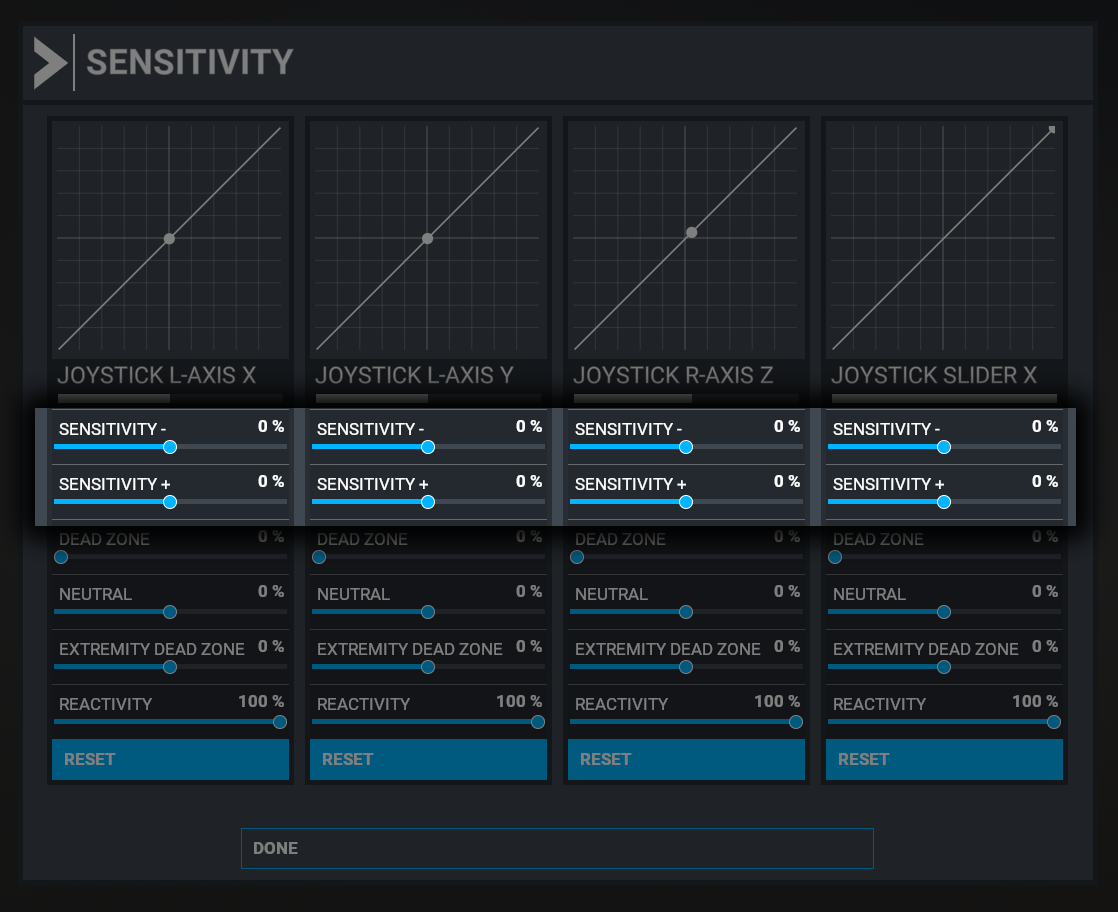
Fenix's corresponding MSFS2020 curve example. Check the selected physical axis before adjusting it. [61, FS2020 sensitivity illustration]