FENIX THROTTLE CALIBRATION: TEACH THE AIRCRAFT EACH DETENT
1. Complete hardware calibration and simulator assignments first. In the powered Fenix open MCDU MENU, CONFIG, CONTROL CONFIG and select thrust-lever calibration. 2. Move the physical levers to the position requested on the current calibration page, let them settle, then confirm the step. Capture every displayed position, including reverse positions appropriate to the hardware arrangement. [59, Opening instructions and official embedded calibration demonstration]
3. Continue through IDLE, CL, FLX/MCT and TOGA as prompted, checking the accepted input for both engines. Finish with STORE CALIBRATION. 4. Return to each detent and verify virtual lever position. Move the levers separately to confirm that engines 1 and 2 are not cross-assigned. Reliable recognition is the pass criterion; another user's percentages are not. [59]
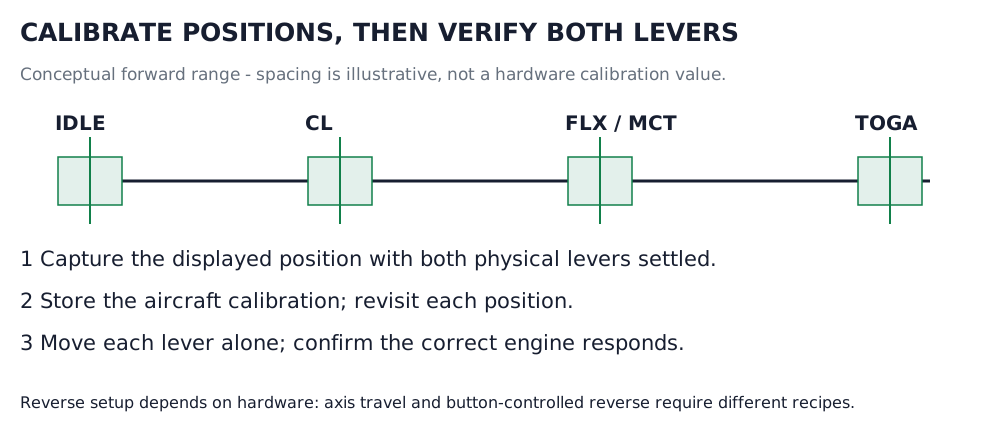
Forward detent recognition, shown schematically. Green bands mark conceptual acceptance regions; their widths and spacing are not actual calibration values. Configure reverse using the recipe for your hardware. [59, Official calibration procedure; author-proposed verification schematic] [71, Official calibration procedure; author-proposed verification schematic]