LIGHTS, SIGNS AND THE CABIN SERVICES BEHIND THE SCENES
The lighting controls make more sense when you connect them with the aircraft's present phase and the people around it. During ground preparation, coordinate the beacon with pushback and engine start through the normal sequence. Cabin signs, including SEAT BELTS, also need to match the phase and conditions. After landing, review the lighting as you leave the runway, taxi and reach the stand. A flow helps you visit the controls in a repeatable order while still looking at what is happening outside. An aircraft parked among service vehicles is in a different situation from one about to use a runway. [14, PDF p. 1012] [28, PDF pp. 3–4]
Version 3 also models water and waste quantities as part of cabin servicing over time. These are supplies and services for the cabin, separate from the flight-plan numbers used to navigate to Heathrow. Before another sector, inspect the service state and arrange any required replenishment or waste service through the supported interface. Confirm the resulting quantities. Creating or importing a new plan does not itself demonstrate that a cabin service has taken place. Following the change on the relevant information page gives you a more dependable answer than assuming the aircraft began every flight freshly serviced. [43, PDF pp. 2–5] [11, Flight Attendant Panel chapter: water, waste and servicing]
Before we move into flight planning, bring together the preparation completed so far. Establish the power source, position references, intended air supply, actual fuel and cabin state. These are the conditions that the next entries will describe. The MCDU can then be prepared for the aircraft actually sitting at Frankfurt with its intended load and services. This connection is useful: later, if a prediction seems odd, you can trace it back to an input and compare that input with a real aircraft state instead of changing numbers simply until the display looks happier.
On a repeat visit, use this chapter as a pause between aircraft preparation and data entry. Look at the phase outside, the selected lights and signs, the cabin-service information and the tasks still in progress. A familiar switch flow becomes more useful once you understand what each part is coordinating. You can keep the checklist compact while taking a little longer here to learn why the selections belong at this point in the flight. [14, PDF p. 1012] [28, PDF pp. 3–4]
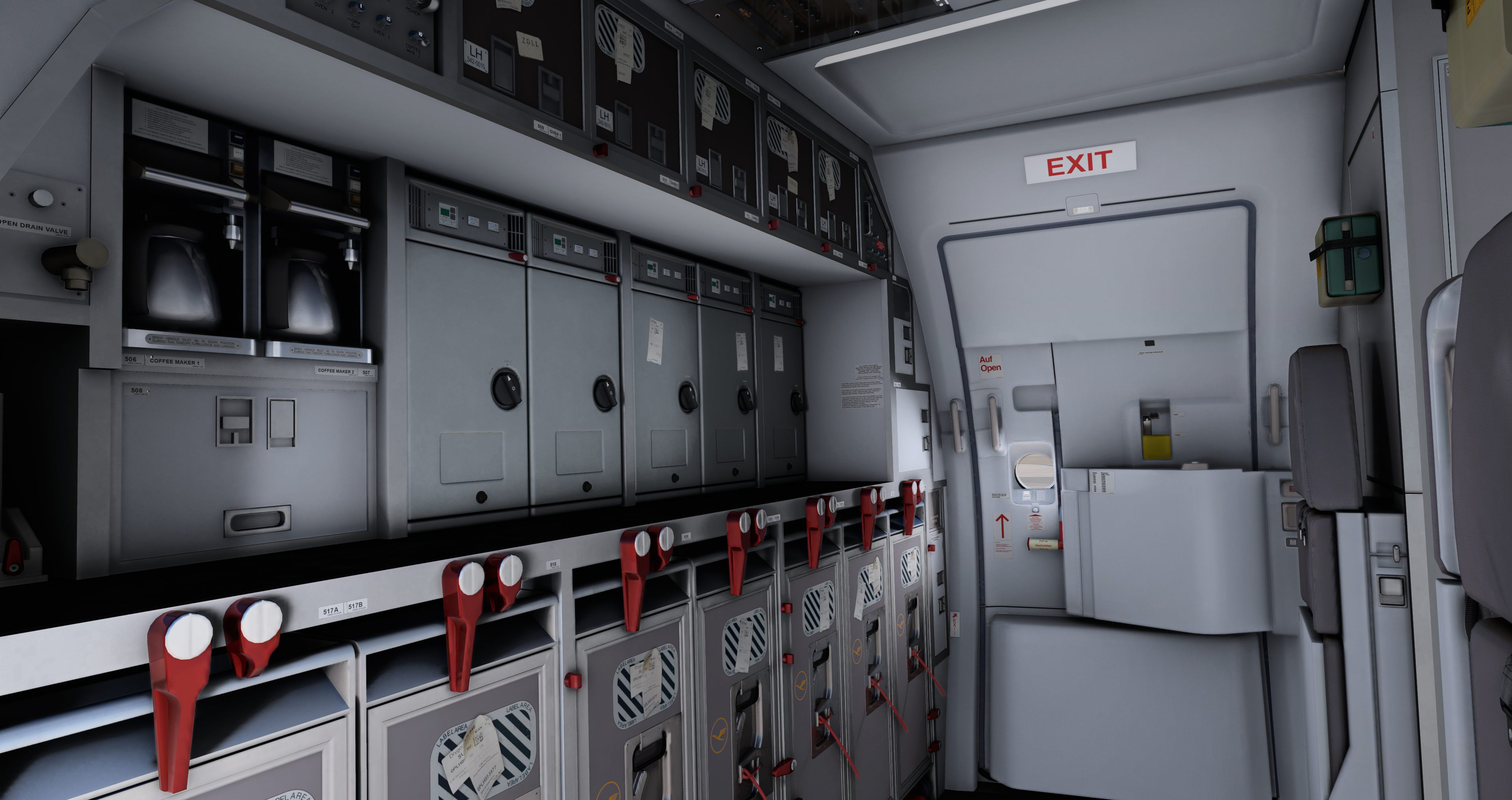
Original Fenix forward galley and forward cabin door. [1, Official A320 gallery]