A FIRST LOOK AROUND THE WORKING COCKPIT
Begin by finding the places you will visit repeatedly. The panel above your head is the overhead, where many aircraft-system controls are grouped. The glareshield is the panel below the windscreen; its central Flight Control Unit, or FCU, lets you select guidance targets such as speed, heading and altitude. The pedestal is the console between the seats, with the thrust levers, radios and flight-management keyboards. During preparation you will move between these areas in a repeatable flow. The aim is to find a control, make an intended selection and then see its result. [14, PDF p. 1010] [19, PDF p. 3]
The screens divide the work too. Ahead of you, the Primary Flight Display, or PFD, shows attitude, speed, altitude and guidance information. Attitude describes how the aircraft is tilted, not its height. The neighbouring Navigation Display, or ND, provides the route and navigation picture. The central screens belong to ECAM, the Electronic Centralized Aircraft Monitor. The upper screen normally combines engine indications with warnings and memos; the lower screen can show a particular system. The Flight Mode Annunciator, or FMA, is the mode information at the top of the PFD. It helps answer what the aircraft's guidance is actually doing. [20, PDF p. 4]
Choose comfortable simulator views for the overhead, main instruments and pedestal before you need them in a hurry. Keep the outside view easy to reach as well, especially before taxiing. A convenient view is a practical learning aid: you can spend your attention on what a control means instead of searching the roof for it. There is no prize for moving the camera as quickly as someone in a demonstration video. At first, take time to recognise the area, read the printed label and find the receiving indication.
Try one simple question as you look around: where would the aircraft show me that electrical power is actually being supplied? That answer belongs on ECAM's ELEC system page, while the source selections are on the overhead. Later, a route entry will be made through the MCDU, the Multipurpose Control and Display Unit on the pedestal, and checked against the displayed flight plan. This movement from selection to result is the habit we will practise throughout the companion. [20, PDF p. 4]
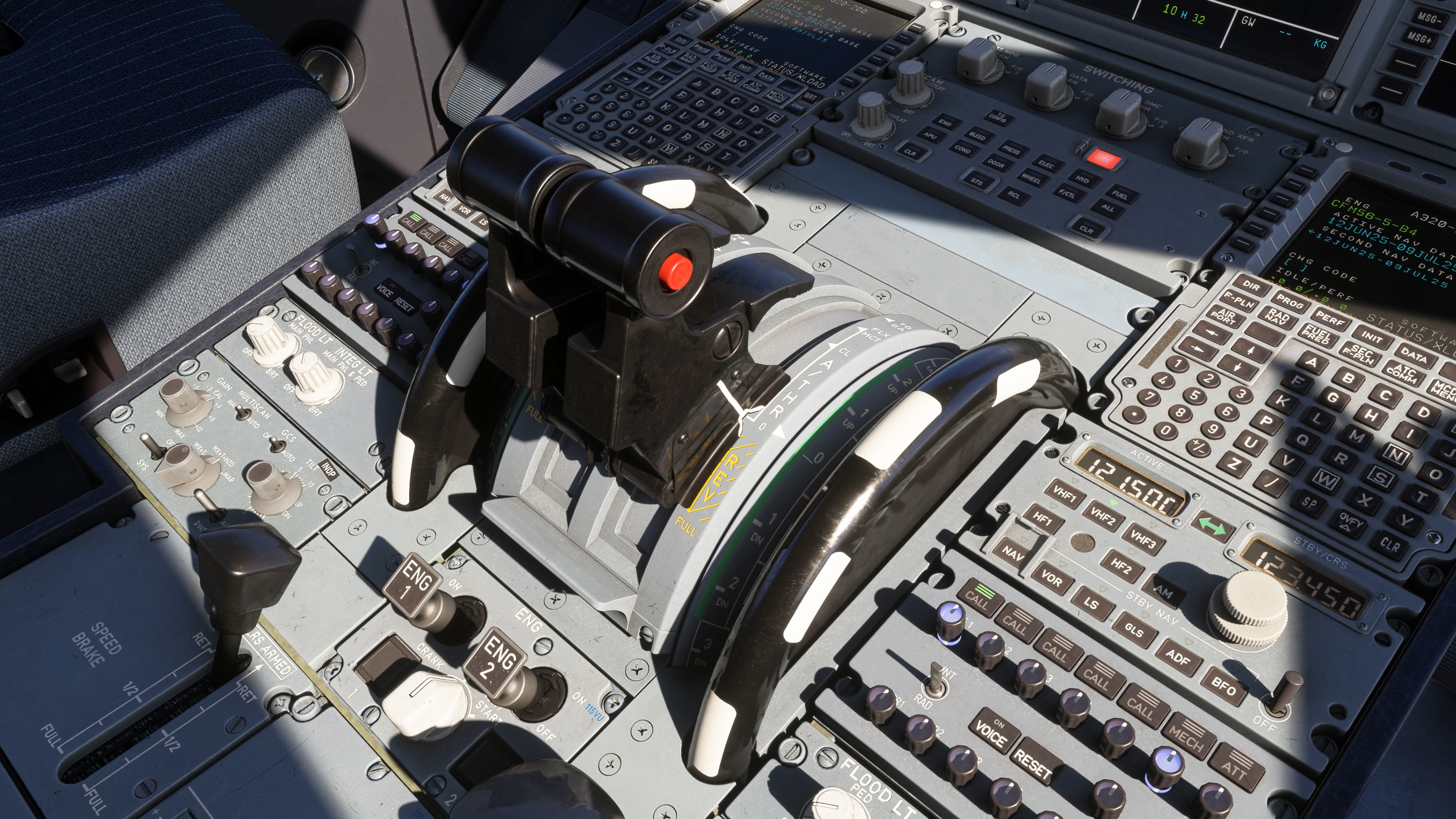
Original Fenix pedestal, MCDUs and thrust quadrant. [1, Official A320 gallery]