USE THE EFB AS PART OF THE WORKFLOW
The V3 Documents app supports local PDF and Markdown documents. The accompanying native edition provides reflowing text, chapter navigation and local image assets. Keep the package together so that original photographs, reference illustrations and explanatory graphics remain available with their related text. [65, Quick start; Supported file formats] [65, Links; Linking to other documents] [65, Images]
Numbered EFB citations lead to the guide's reference document and entry. In the PDF, the same citation leads to the reference list. Use the source locator to inspect the supporting page or section, particularly when comparing a general aircraft-system reference with a V3-specific workflow or a dated build note.
The separate native checklists retain their existing content. Use them for the compact sequence and the guide for preparation, crosschecks and focused practice. Organise the pages needed for the sector before workload increases so that finding the explanation does not become another cockpit task.
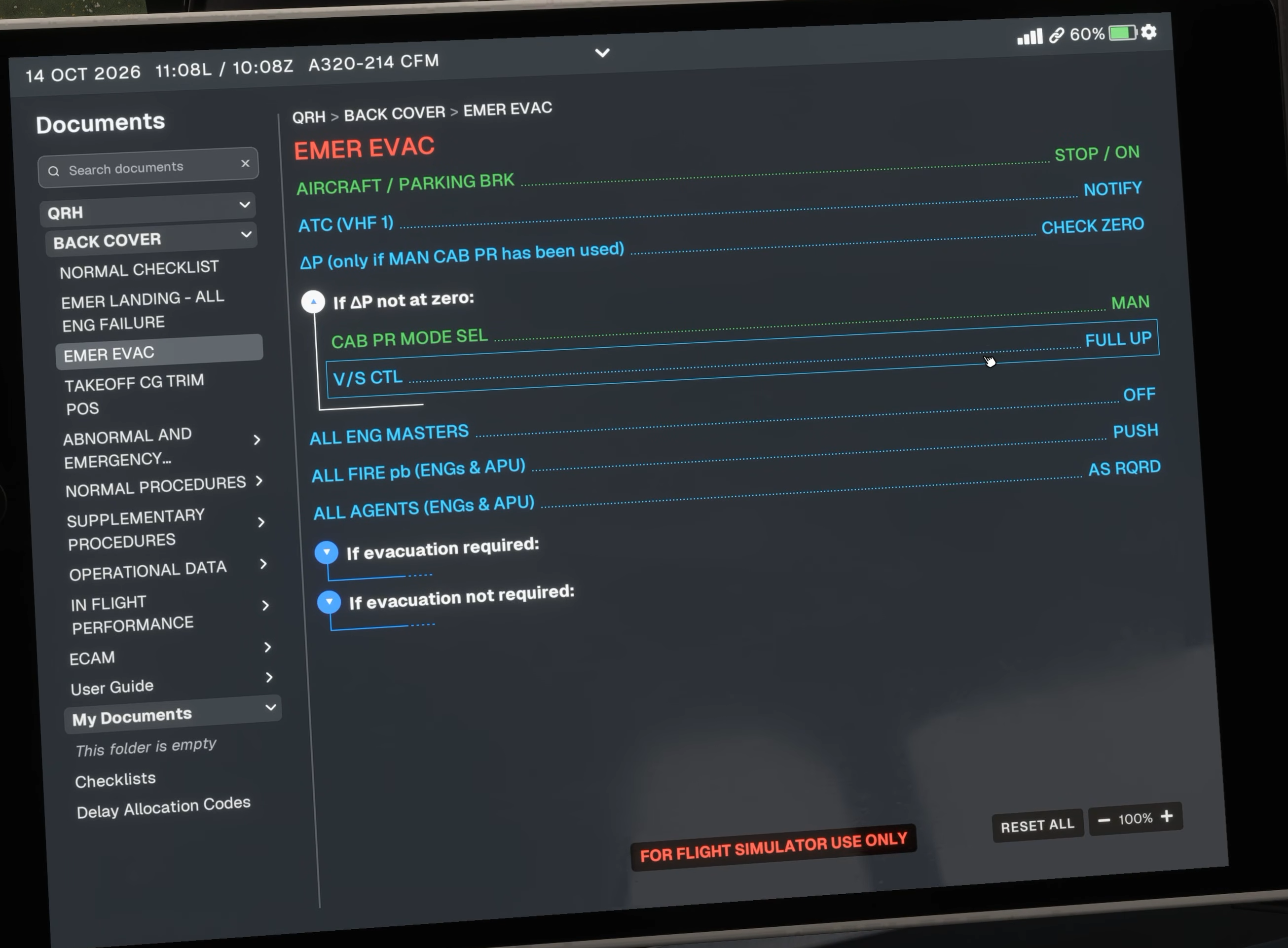
Original Fenix V3 Documents interface. EMER EVAC is selected in this source image; it illustrates navigation, not a normal-flight action. [2, Source illustration]